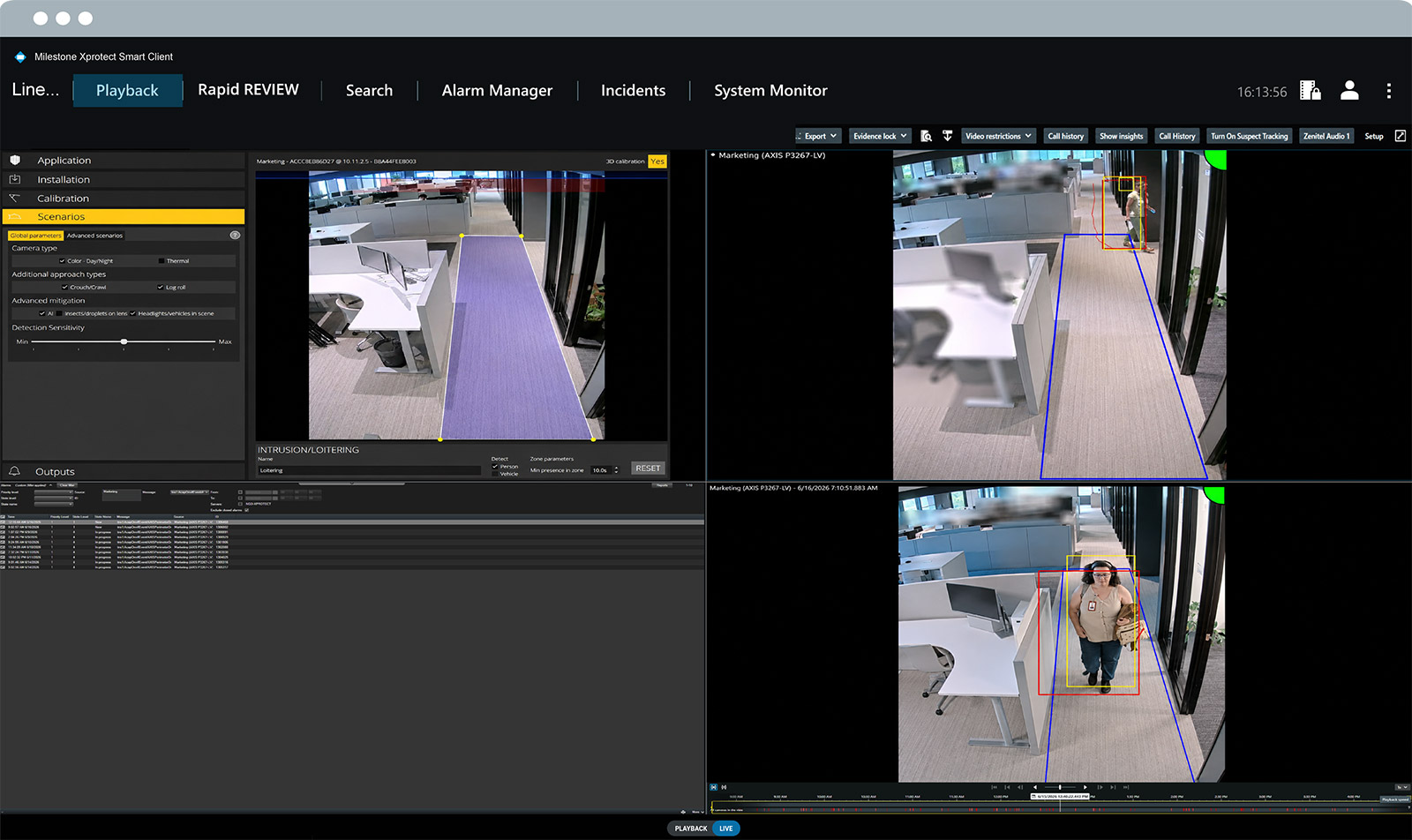
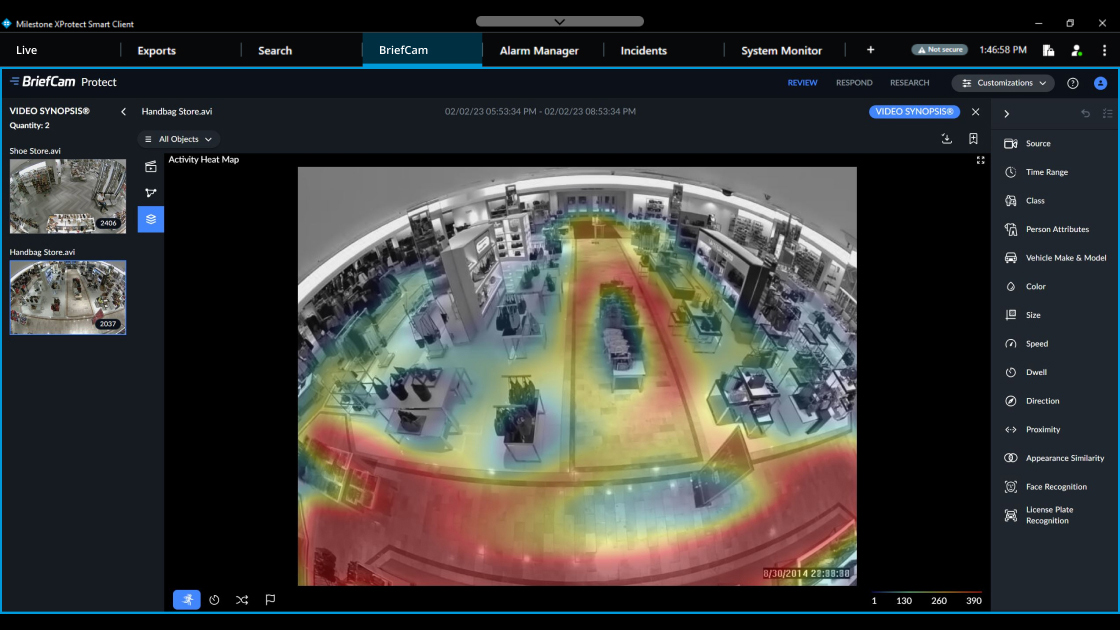
This article explains Milestone's two options for automatic license plate recognition, also known as “ALPR” or “LPR”. Let's dive into the capabilities of our XProtect LPR extension and BriefCam analytics, and explain how our customers choose between them.
License plate recognition relies on optical character recognition (OCR) to read vehicle registration plates from images captured with security cameras. LPR is one of the most popular analytics within video surveillance, with Milestone customers using it across both the public and private sectors.
- Traffic management: LPR helps monitor vehicle flow, detect traffic violations and manage congestion by automating processes like toll collection. It can also help prioritize emergency vehicles for faster response times.
- Law enforcement: Police departments around the world use LPR to identify stolen vehicles, track suspects and flag vehicles with outstanding violations. It allows real-time monitoring and historical tracking of vehicle movements, which can help investigators find key pieces of evidence within criminal cases.
- Parking management/access control: Most of us are used to driving in and out of paid parking lots without using ticket machines, and that’s thanks to the widespread adoption of LPR. By capturing and identifying license plates, LPR systems can automatically grant or deny access based on pre-configured permissions. This has become an essential part of keeping schools, residences, offices, manufacturing sites and other types of critical infrastructure safe.
Milestone's XProtect LPR extension and BriefCam analytics can both be used in all of the above contexts. So, how to decide which one to choose?
If you're already using Milestone XProtect and only need core license plate recognition features tightly integrated into that VMS, the XProtect LPR extension is a cost-effective and straightforward choice. However, if you need LPR across all video footage from any VMS, along with additional advanced analytics beyond LPR, BriefCam is the better fit.
| XProtect LPR extension | BriefCam LPR | |
| Integrates with Milestone's XProtect video management software (VMS) | ✓ | ✓ BriefCam Protect & Insights editions |
| Integrates with other VMS products | x |
✓ BriefCam Protect & Insights editions |
| Camera-agnostic | ✓ | ✓ |
| LPR match lists (including live updates) | ✓ | ✓ |
| LPR country detection | ✓ | x |
| Style aliases | ✓ | x |
| Wilcards | ✓ | ✓ |
| Vehicle make and model | ✓ | ✓ |
| Licensing | Pay per number of enabled cameras |
BriefCam LPR can be used on all video footage without allocating specific cameras
|
| Customer fit | Customers already using XProtect and need LPR, but don't need access to the other advanced analytics available in BriefCam |
Customers who need LPR analytics "in the wild" (i.e., on all footage from any security cameras) and also need other advanced analytics
|
Let's explain a few of the terms in the table above:
- Match lists are predefined lists of vehicle license plates that the LPR system is programmed to recognize and act upon in a specific way. You can create rules in XProtect that trigger certain actions for when a plate number does or does not exist on any of your lists. For example, you can trigger your access control system to open a gate when a plate number is on a match list of employee vehicles, emergency vehicles or trusted vendor vehicles. You can also set up alarms for when a plate number is not on any of your match lists.
- Country modules help you know whether a license plate is from a specific country or region. If an LPR deployment is in a region where vehicles from multiple countries frequently pass (e.g., in border areas), multiple country modules can be used simultaneously. This allows the system to recognize and interpret license plates from a wide range of countries accurately.
- Style aliases let you group different license plate variations under a common name. There are certain vehicles that are allowed to follow different traffic rules (e.g., emergency vehicles, law enforcement vehicles, diplomatic vehicles). In theory, you could group all of these into one alias called “No speeding tickets”. Aliases are useful for managing access to buildings and parking lots while ensuring that emergency response vehicles can move freely within public and private spaces.

In terms of technical requirements:
- The XProtect LPR extension works with all variants of XProtect as well as all cameras supported by XProtect, providing multi-lane detection with a single camera.
- For any camera to work well, though, you’ll need to go through some calibration steps.
- The extension supports all countries on this list.
- Server requirements will depend on 1) the scale of your LPR needs and 2) server components (e.g., CPU and RAM). The extension is fully compatible with dedicated Husky servers. It also works on other servers that meet the LPR spec requirements.
- If you have only one or two LPR cameras for your office building, you can likely run them alongside your core VMS on the same server. For larger projects, however, it’s necessary to have a dedicated LPR server. Some testing indicates that the best quality server can handle up to 80-100 LPR cameras, but your mileage may vary.
In terms of licensing, three are needed for the LPR extension:
- The base license, which covers an unrestricted number of LPR servers
- The LPR camera license, charged per camera that you need to run LPR
- The LPR country module license, which applies to each country, state or region that you need in your analytics (five modules are included in the base license)
In terms of technical requirements:
- The text on a license plate should be at least approximately 10 pixels in height for reliable detection. BriefCam ingests video from fixed cameras, with recommended resolutions ranging from CIF up to 4K and typical frame rates of 8–30 fps.
- Hardware requirements vary based on deployment size and workload. Processing, particularly for real-time analytics, is typically GPU-accelerated and sized according to the number of cameras and the resolution being analyzed.
BriefCam licensing:
- You don't pay an additional license for LPR; it comes out-of-the-box with BriefCam.
- That said, your LPR capabilities depend on which BriefCam product edition you have. For example, if you have the Insights edition connected to a VMS, you can receive live alerts based on LPR events, such as the detection of a blacklisted vehicle. Review-only editions, like Investigator, support LPR for forensic search across recorded video but do not enable live response.
Here are examples from our customers who use the XProtect LPR extension:
- Residential: In Uruguay, a virtual doorman company uses video management and license plate recognition to remotely grant access to visitors and automatically open parking barriers for residents' vehicles.
- Manufacturing: An Italian packaging company integrates license plate recognition into their video management system to control vehicle access while also monitoring production line repairs.
- Traffic management: In addition to working with local police to resolve traffic cases, the City of Hobart monitors traffic patterns and parking lot occupancy.
And here are a few examples of customers using BriefCam for LPR and beyond:
- Law enforcement: Through the integrated use of XProtect and BriefCam, the Hartford Police Department has seen a 442% increase in the solvability of shooting cases with video evidence.
- Public safety: The City of Genoa uses XProtect and BriefCam's LPR to review and respond to footage from thousands of security cameras.
- Public safety: In the Tlaxcala, Mexico, authorities use XProtect and BriefCam analytics for license plate recognition and object detection across 800+ cameras, helping reduce cargo thefts by 93% and vehicle thefts by 22.5% while improving investigation speed and emergency response.