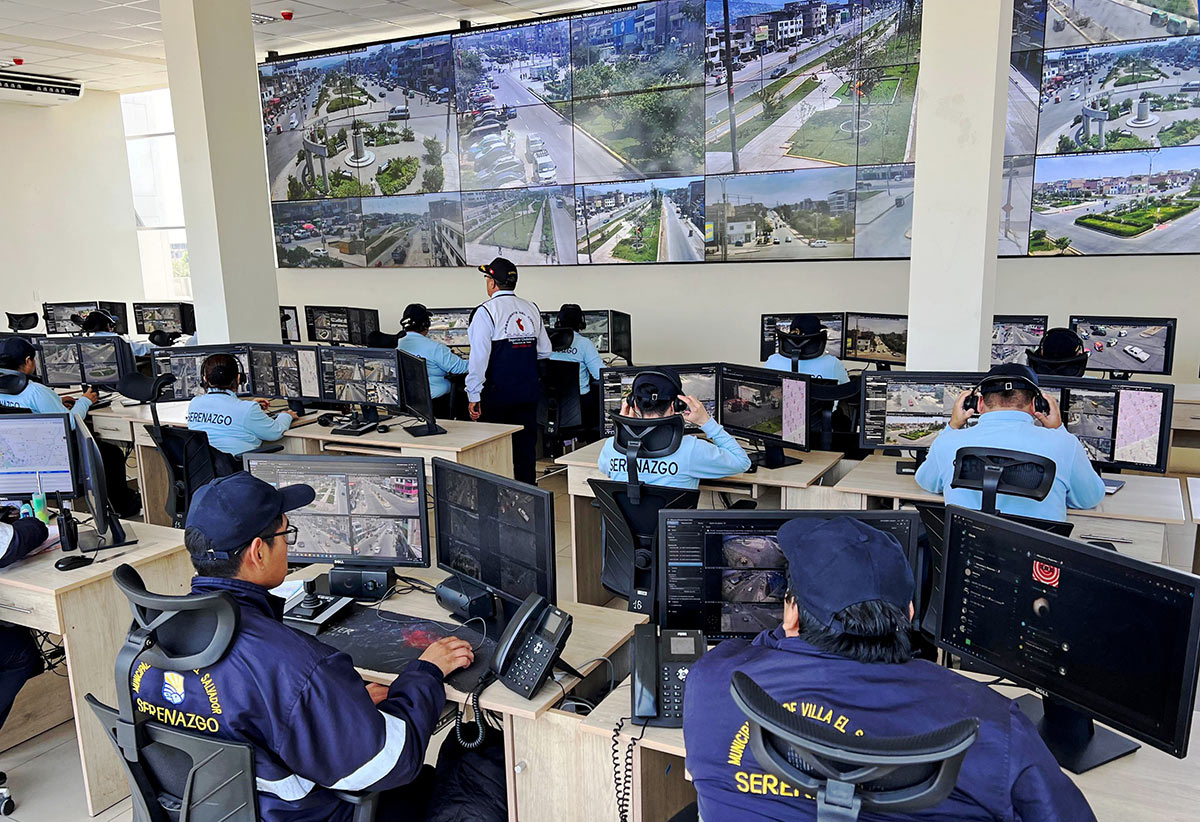
Even though cameras give critical visibility to security operations, cameras can't see everything. They can't identify the presence of hazardous chemicals or changes in air quality, nor are they appropriate for monitoring privacy-sensitive spaces like restrooms or locker rooms.
Environmental sensors help fill those gaps. When integrated with XProtect or Arcules, they can detect events cameras can't, trigger automated workflows and provide operators with visual context for verification and response. This article explains how environmental sensors work with Milestone video technology, the types of events they can detect and how organizations can use them to improve safety, security and operational awareness.
Environmental sensors are a type of IoT device designed to monitor conditions and events that traditional cameras cannot see. Rather than capturing visual information, they use sensing technologies to identify environmental changes and generate events when predefined conditions are met. This makes them particularly valuable in privacy-sensitive areas such as restrooms, locker rooms, changing rooms and even certain patient care spaces.
The capabilities of environmental sensors vary by manufacturer and model, but most are designed to monitor conditions that are difficult—or impossible—for traditional cameras to identify.
Common capabilities include:
- Air quality and chemical detection: Vape emissions, THC, smoke, methamphetamine, hazardous gases, volatile organic compounds (VOCs) and other changes in air quality.
- Audio detection: Emergency keywords such as "help" or "emergency," and other sounds like gunshots or aggressive behavior.
- Occupancy and movement monitoring: Occupancy counts, overoccupancy, extended dwell time, loitering and movement anomalies that may indicate things like a medical emergency or overdose.
- Changes in condition detection: Temperature, humidity and other environmental conditions that may affect safety or operations.
Integrating environmental sensors with your video management software brings environmental events, video and automation into a single incident response process.
Instead of monitoring sensor alerts in one application and video in another, operators can view both together, providing the context needed to quickly understand and respond to an event. They provide operators with a more complete understanding of what is happening and help reduce the time between detection and response.
Environmental sensor events become more actionable when they are presented alongside alarms, maps and nearby video within a video management system.
XProtect currently integrates with HALO and Triton sensors. Once a sensor has been connected to XProtect, administrators configure the platform to recognize individual events and determine how each one should be handled. Although the exact configuration varies by manufacturer, the integrations follow the same general workflow.
- Configure the environmental sensor
The first step is configuring the sensor itself to publish the events the organization wants to monitor.
Triton ULTRA sensors are configured to forward selected events to XProtect using TCP messaging, while HALO Smart Sensors publish configured environmental events for use within the VMS.
- Add the sensor to XProtect
The sensor is then added to XProtect so the platform can begin receiving its events.
Depending on the integration, this may involve adding the device as ONVIF hardware or configuring the appropriate integration supplied by the technology partner. For example, Triton ULTRA sensors are added as an ONVIF-conformant device using the device's management interface and a dedicated communication port. A Milestone device license is required for each Triton sensor added to XProtect.
- Define the events that XProtect should recognize
Once the sensor has been connected, XProtect is configured to recognize individual environmental events.
Depending on the integration, these may be created as Generic Events or User Defined Events which allows XProtect to distinguish between different sensor detections. For example, treating a vape detection differently from a panic button activation or an emergency keyword.
- Create Alarm Definitions and Rules
After events have been defined, administrators create Alarm Definitions and Rules that determine how XProtect should respond.
Typical automated actions include:
-
- Generating an alarm in Alarm Manager
- Displaying nearby cameras
- Showing the sensor location on a map
- Sending email notifications
- Creating bookmarks for recorded video
- Displaying information on Smart Wall or Matrix
- Triggering other integrated systems or workflows
- Investigate and respond in Smart Client
When a configured event occurs, operators receive an alarm within XProtect Smart Client. Depending on the configuration, they can immediately review the alarm details, view the sensor's location on a map and access video from nearby cameras without switching between applications.
This approach is especially valuable in privacy-sensitive spaces where cameras cannot be installed. As shown below, Triton Sensors monitor activity inside the protected area, while XProtect provides nearby camera views that help operators understand what occurred before and after the event. If additional investigation is required, surrounding video can also be analyzed using video analytics tools such as BriefCam. Check out this webinar for more information.
Triton Sensors monitor activity and environmental conditions inside privacy-sensitive spaces where cameras cannot be installed, while XProtect provides nearby camera views to help operators verify incidents and understand what happened before and after an event.
This demonstration shows how a HALO Smart Sensor detects a spoken emergency keyword and immediately generates an alarm in XProtect. Operators can review the alarm in Smart Client, view the sensor's location on a map and access nearby camera views to quickly verify the incident and coordinate an appropriate response.

For complete configuration instructions, including screenshots and device-specific settings, refer to the HALO Smart Sensor Integration Guide and Triton ULTRA Integration Guide.
While XProtect provides extensive on-premises and hybrid workflow customization, Arcules applies the same core concepts through a cloud-native experience designed for centralized management and mobile response.
Once a HALO Smart Sensor has been connected to Arcules, it is added as a User Defined Device, allowing the platform to receive environmental events generated by the sensor. Administrators then configure Rules that determine how Arcules should respond when specific events occur. Unlike XProtect, where Alarm Definitions and Rules are configured separately, Arcules combines this logic within its Rules engine to automate incident response.
Similar to XProtect, Rules allow organizations to associate different actions with different event types. For example, a vape detection may generate a notification for school administrators, while a panic button activation or other high-priority event can trigger a more urgent response workflow.
Depending on the organization's requirements, Rules can be configured to:
- Trigger an alarm
- Send notifications to designated users or groups
- Record video from associated cameras
- Associate nearby cameras with the incident to support verification and investigation
By automatically presenting the most relevant information when an event occurs, Arcules helps reduce manual steps and enables staff to verify incidents quickly, whether they are monitoring from a desktop or a mobile device.
Vail Unified School District in Arizona deployed HALO Smart Sensors and Hanwha cameras with Arcules to address student vaping in privacy-sensitive areas such as restrooms and locker rooms. Because cameras could not be installed inside these spaces, the district needed a way to detect vaping while still preserving student privacy.
Using Arcules, environmental events generated by the HALO sensors trigger mobile alerts that allow staff to immediately review the incident. With a single tap, administrators can access live video from nearby cameras to verify what is happening outside the monitored area before responding. This combination of environmental sensing and video verification enables staff to respond within minutes rather than hours or days while providing the visual context needed to investigate the incident.
Following the pilot deployment, Vail Unified School District reported a 90% reduction in vaping incidents at Cienega High School. The success of the project demonstrated how environmental sensors and cloud video management can work together to improve safety while respecting privacy, leading the district to evaluate expansion of the solution to additional campuses.
For complete configuration instructions, including supported workflows and device-specific settings, refer to the HALO Smart Sensor Integration Guide for Arcules.
Environmental sensors help organizations detect events that cameras alone cannot identify while preserving privacy in locations where video surveillance may not be appropriate.
When integrated with XProtect or Arcules, these detections become actionable events that trigger automated workflows, provide immediate access to nearby video and help operators respond with greater speed and confidence.
Interested in adding environmental sensors to your video security solution? Contact us to discuss the best integration for your environment.