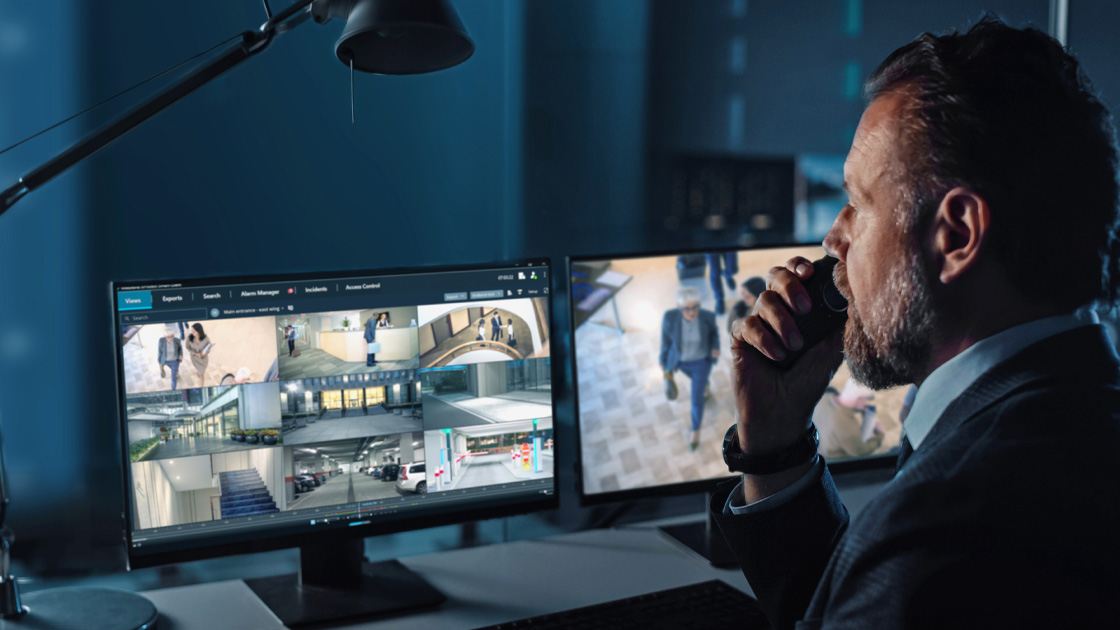
Traditionally, video management and access control software operated in isolation, limiting efficiency. Today, integrating access control with Milestone's XProtect® video management software gives operators a clearer, more connected view of what’s happening across their sites.
Access control and video surveillance systems often operate independently, making it difficult to correlate events and gain a comprehensive view of security incidents.
- Access Control System (ACS): The ACS connects access points, such as doors, parking gates, automated security bollards, and other security tools. These are products developed and sold by Milestone technology partners, such as AXIS, LenelS2, Brivo, Genea, RS2 Technologies, Vanderbilt Industries, and many others.
- ACS integration plugin for XProtect: The integration plugin is a connector from the ACS manufacturer that collects system information for XProtect, connecting the devices and metadata in the VMS. When you’re purchasing an ACS, make sure you investigate the cost for the integration plugin along with other associated expenses.
- XProtect VMS: XProtect brings all of your security camera and sensor feeds into one view, capturing and streaming video for live viewing or recorded footage. You can integrate any variant of XProtect with your access control system.
- XProtect Access: XProtect Access is a paid plugin that lets you connect XProtect to your access control system. The price consists of a base license, with the total fee based on the number of access points (e.g., doors) you want to connect to XProtect.
To complete your security system, you may need additional components, including:
- Security cameras (existing or new hardware)
- Door readers
- Security locks (electrified locks, electromagnetic locks, etc.)
- Access control panels
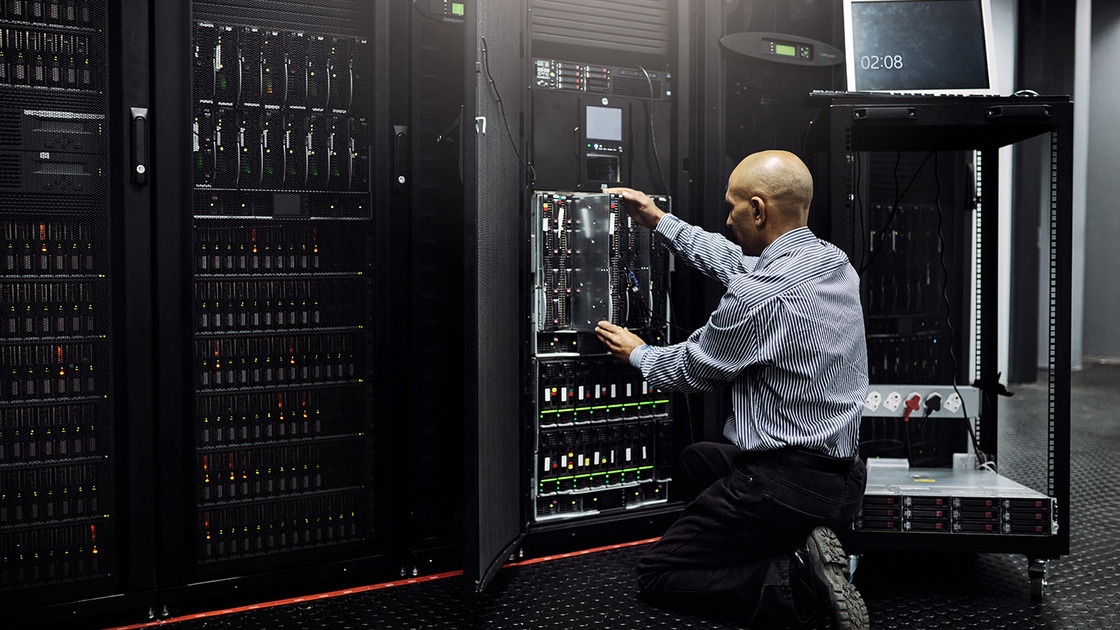
- System servers
- Authentication tools (keycards, PIN pads, biometric access control, etc.)
Make sure you do your research on integrating components and software. We can connect you with a qualified security integrator to help navigate related decisions.
- IT Infrastructure: Network bandwidth is usually a significant consideration for your security video. However, access control data is more easily transmitted across the network because it is less bandwidth-intensive than video.
While unidirectional integration allows one system to send data to another, bidirectional integration enables two-way communication, offering greater flexibility and functionality. Bidirectional integration allows XProtect to share information and video with access control systems. The ACS can return door control information to the video management platform. This two-way communication creates a more comprehensive and responsive security environment.
With unidirectional Integration, information flows in one direction, typically from the access control system to the video management system. This approach is simpler to implement but can limit the potential for advanced functionality.
Bidirectional integrations are more complex and therefore less widespread, but popularity is growing, especially within enterprise security deployments. Two examples are the integrations between XProtect and 1) AXIS Secure Entry and 2) LenelS2's OnGuard access control system.
With AXIS Secure Entry, XProtect operators can monitor door events with video, verify cardholders, unlock/lock doors, receive alarms, and automate actions. At the same time, reception staff can update user and access card information in the access control system, with changes automatically synced across both platforms. The partnership also simplifies purchasing for our customers, as you can purchase AXIS Secure Entry from us via a certified integrator.
The bidirectional integration with LenelS2 OnGuard has similar benefits, including remote door control, interactive mapping, and two-way alarm handling. For example, you can choose to view OnGuard events in the XProtect Smart Client rather than video in the OnGuard Alarm Monitoring tab.
Bidirectional integration allows for two-way communication between the access control and video management systems. This enables more sophisticated interactions and enhanced functionality. This seamless interaction improves operational efficiency and provides a more comprehensive security solution, but it is less common due to the complexity.
The integration lets you add video capabilities to your access control and intrusion systems, manage them all from one centralized interface, react faster to events and reduce costs and complexity.
XProtect Access supports integration with various commercial door access control systems, allowing customers to choose their preferred solution. The bidirectional integration with LenelS2 ACS platform offers advanced features such as two-way alarm handling and controlling doors directly from the XProtect Smart Client. In addition to the Smart Client, you can grant or deny access remotely via notifications in the XProtect Mobile Client.

Here are a few of the benefits you’ll get with XProtect Access:
- An operator user interface for multiple access control systems in the XProtect Smart Client
- Faster and powerful integration of access control systems
- More functionality for the operator
In the XProtect Smart Client, the operator gets:
- Live monitoring of events at access points
- Operator-aided passage for access requests
- Map integration
- Alarm definitions for access control events
- Investigation of events at access points
- Centralized overview and control of door states
- Cardholder information and management
- The audit log sends user commands that users perform to the ACS
Access control systems must comply with fire and life safety building codes, such as NFPA and IBC. The exact guidelines can vary depending on which state, municipality and sector you operate in. For example, your system might need to be fail-safe, meaning that doors automatically unlock in the case of a power failure, prioritizing occupant safety for emergency exits. Fail-secure, however, keeps doors locked during power loss, maintaining security to prevent unauthorized access. The latter option might be mandatory for certain critical infrastructure scenarios.
Rules and regulations surrounding access control can get complicated, but the good news is that Milestone has a global network of resellers and system integrators who offer region-specific expertise. They can help you navigate the relevant codes to help give you peace of mind.
If you're looking for a Milestone reseller to help you choose the right access control integration for your surveillance project, you can filter for partners based on region and specialization here.
Discover more about access control integration with XProtect VMS. Your local Milestone representatives are available to discuss the complexities and options available to you. Just schedule a meeting to learn more.